For partners
Partners are, for example, consultants and agencies who look after several companies. They set up inferdopt for each client and support it afterwards.
What partners want
Set up the right apps for every client and see in one place how they are used across all clients.
What partners can do
- Create organizations for their clients.
- In each of these organizations, everything an Administrator can do: apps, changes, people, connections, settings and usage.
- See the usage of all clients in one overview under “Clients”.
How it works
- 01
Your own space shows only “Clients” and “Settings”. “Clients” lists every organization you look after.
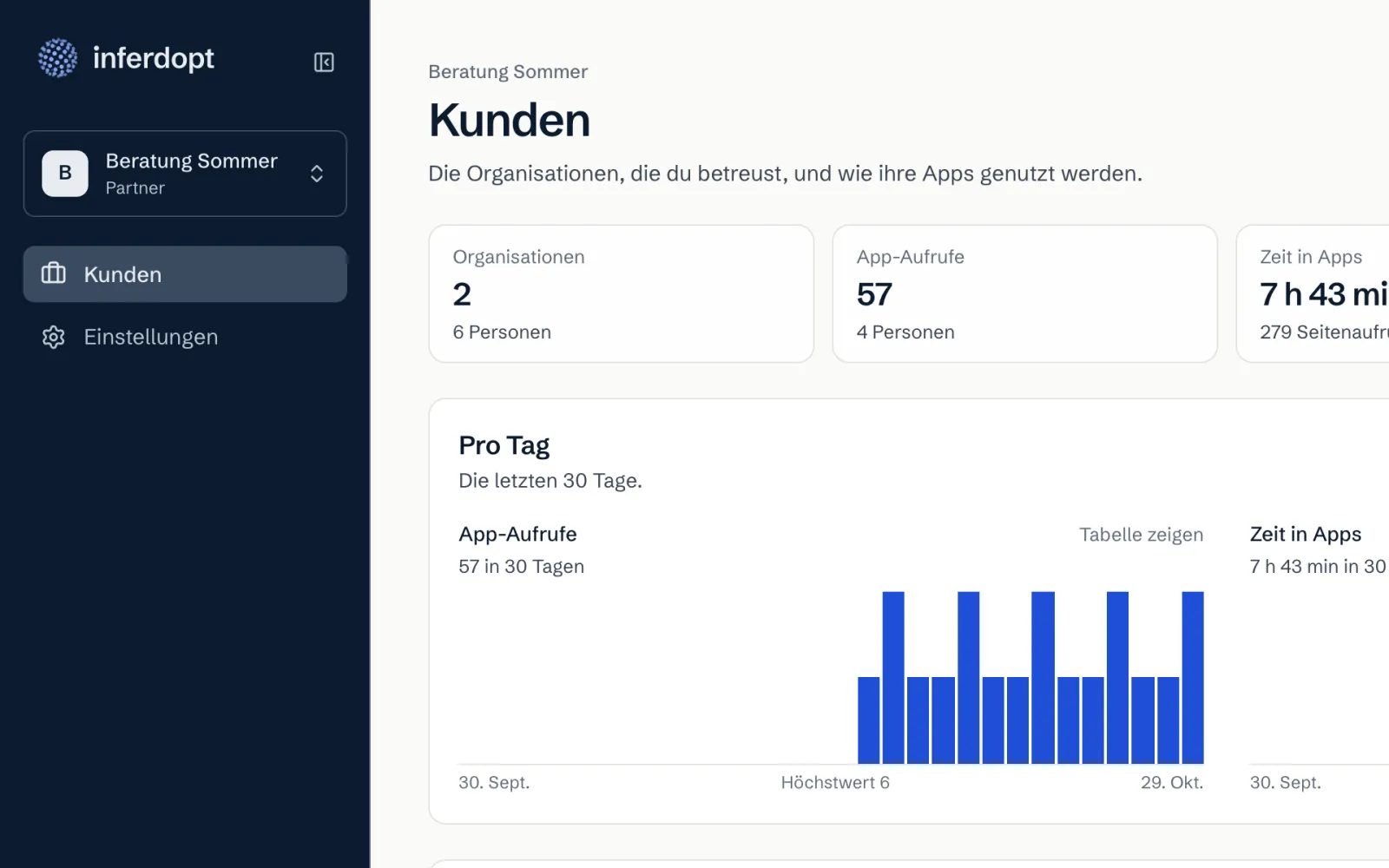
- 02
The overview shows each client with the usage of its apps.
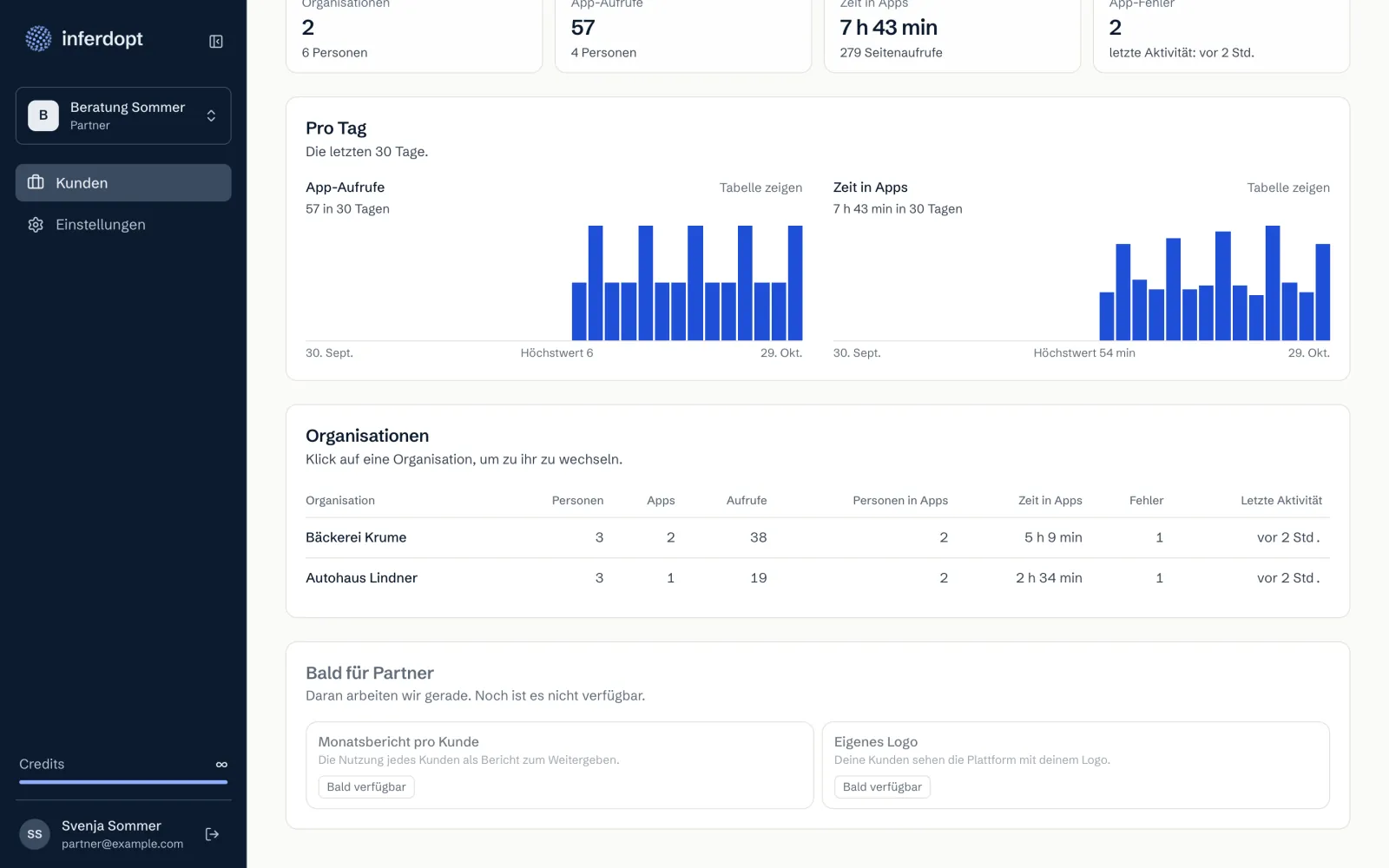
- 03
For a new client, click “New organization”.
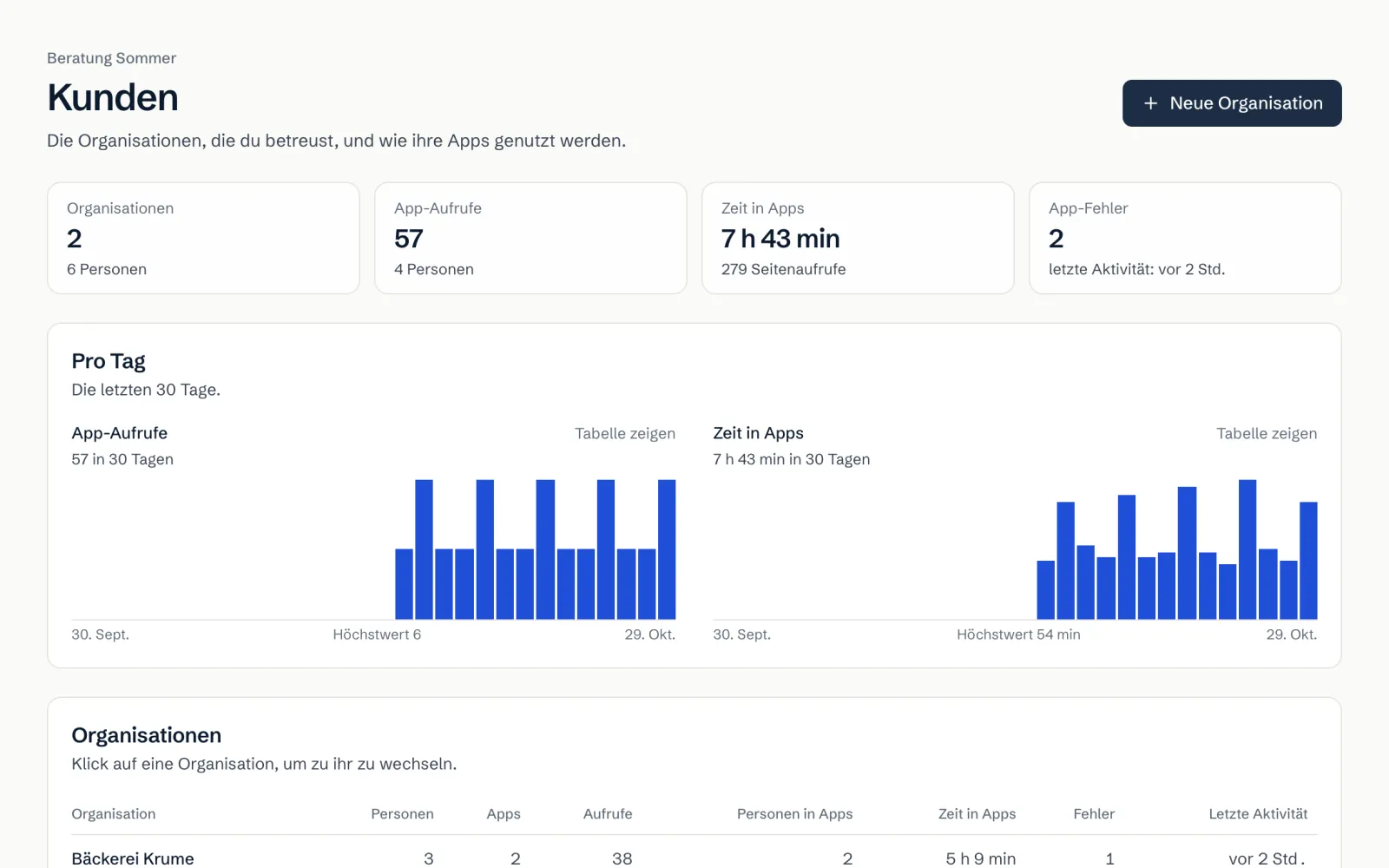
- 04
Give the organization the client's name and create it.
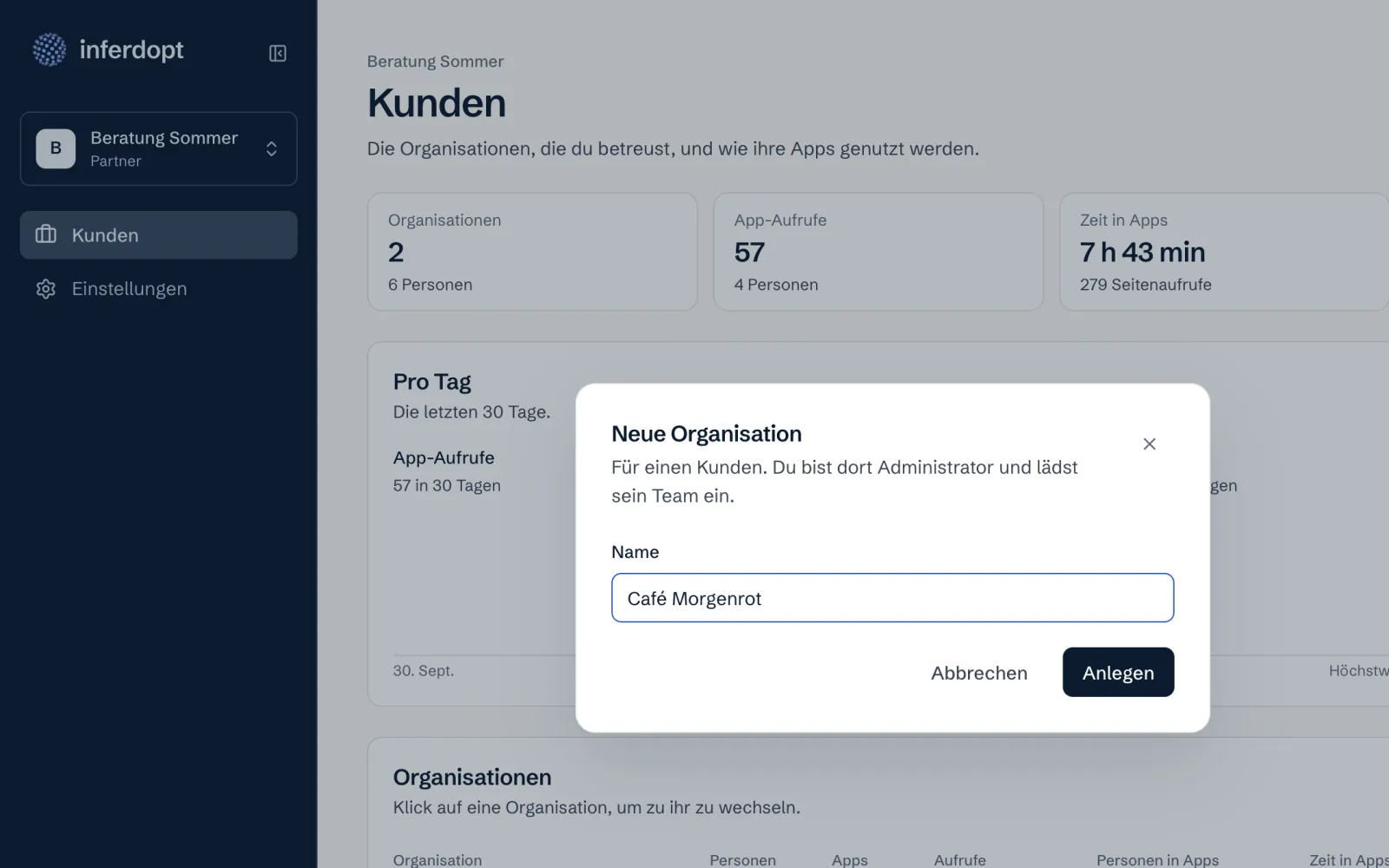
- 05
You are now in the new client's space, as Administrator. This is where you build their apps. The switcher top left takes you back; your own organization is at the top.
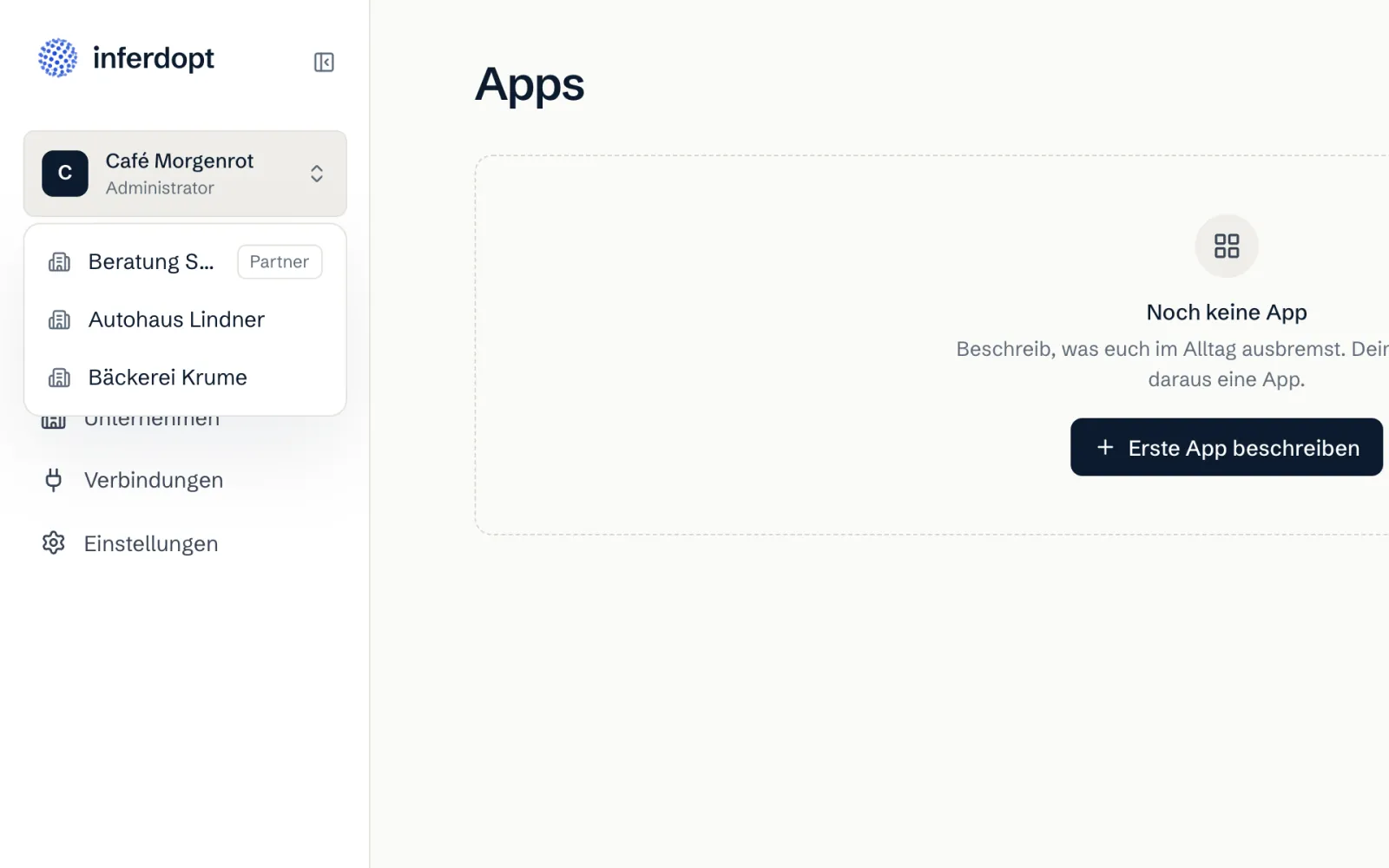
- 06
Under “Settings” → “People” you invite the client's Administrator by email.
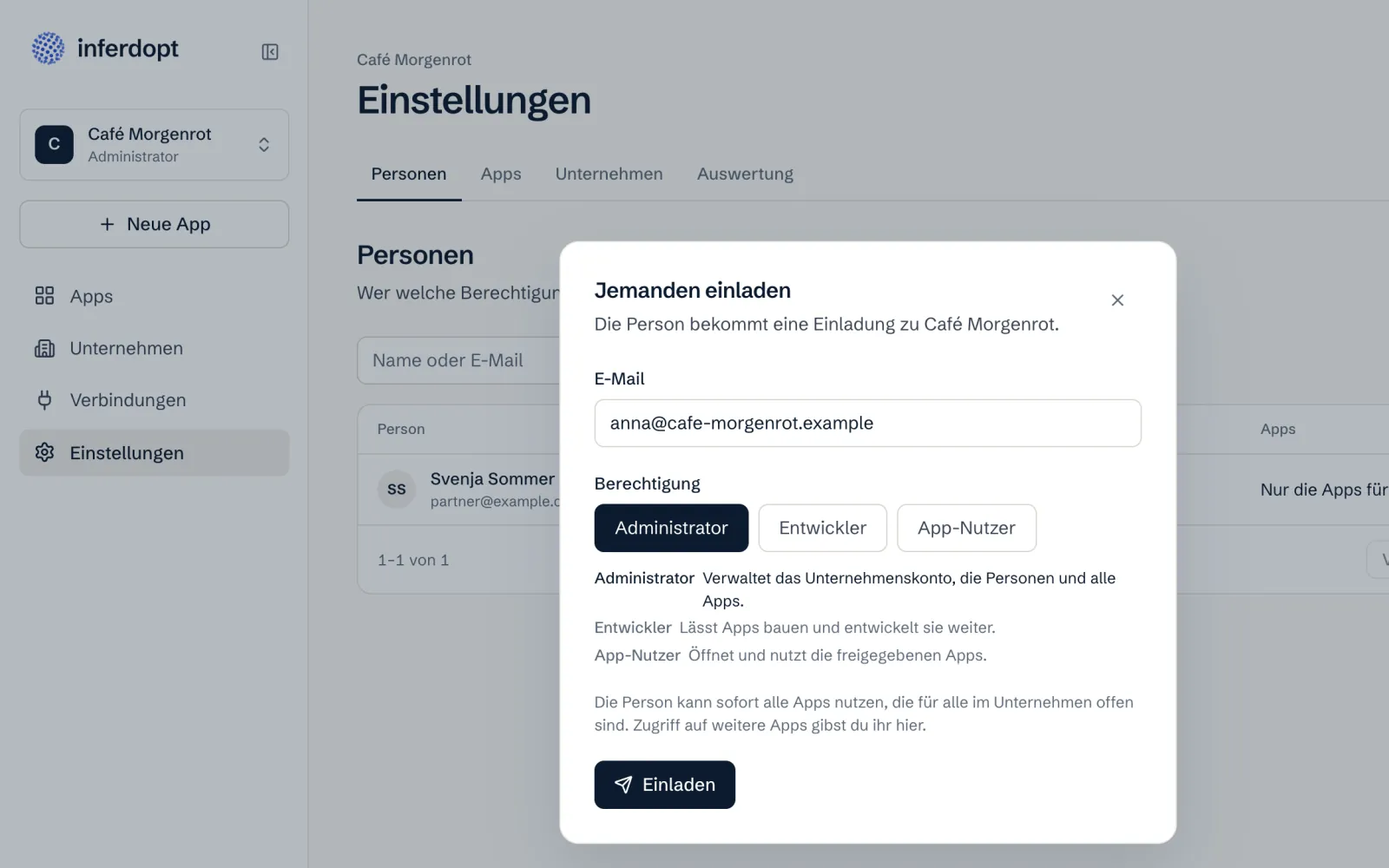
- 07
Back in your space, under “Clients” you follow how the new client's apps are used.
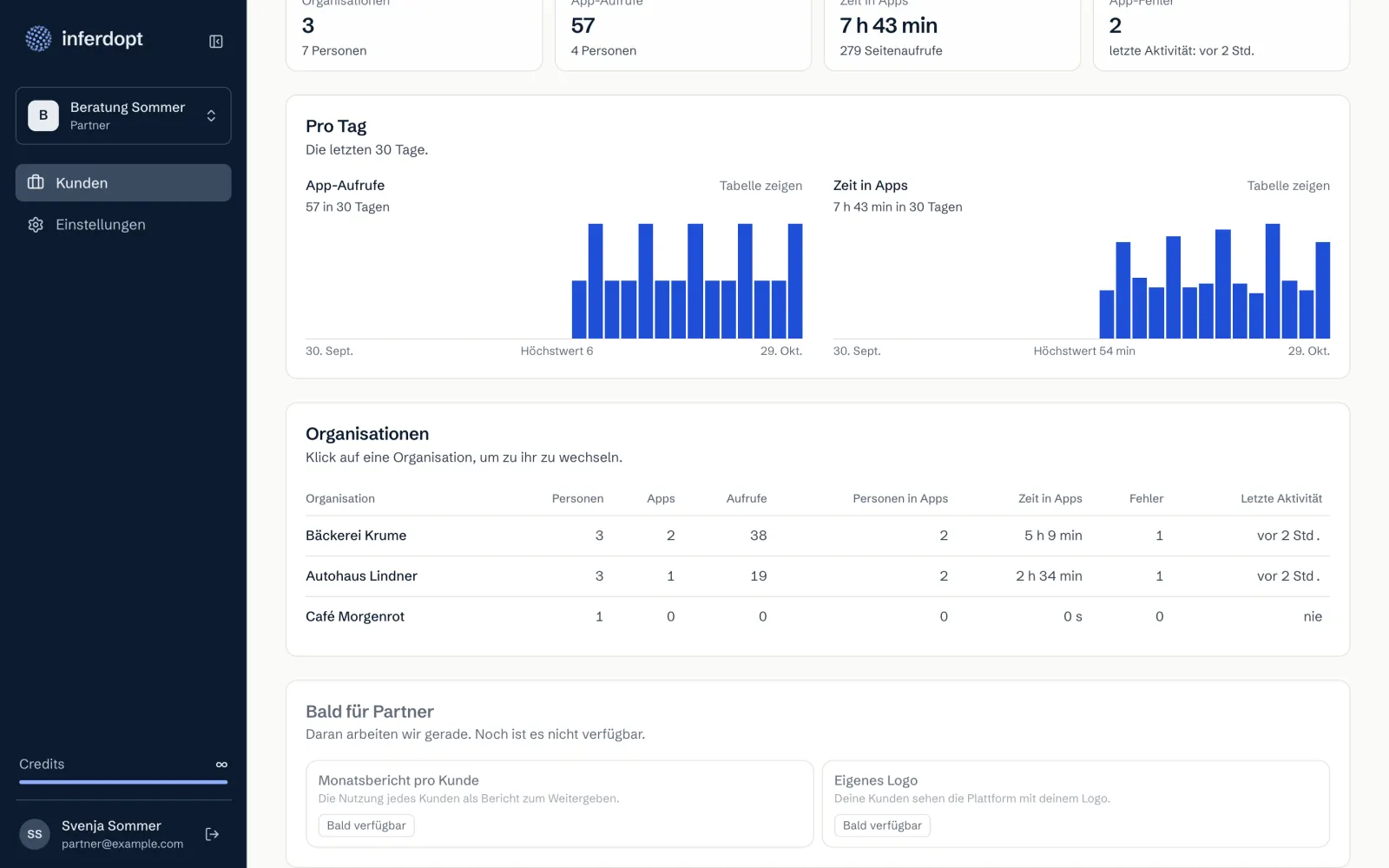
Good to know
- We set up partner access for you on request. Write to [email protected].
- On your first sign-in, a short tour shows you “Clients”, “New organization”, the switcher, “Settings” and your credits.
- Every client is an organization of its own, with its own apps and people. What one client stores in its apps, the other clients don't see.
- Under “Clients” you see numbers per app, never what a single person did.
Roles, credits, connections, usage and privacy are under Reference.