For users
App users work with the apps an Administrator at their company has released to them.
What App users want
Get their work done without thinking about technology: open the app, enter things, done.
What App users can do
- Open and use the apps released to them.
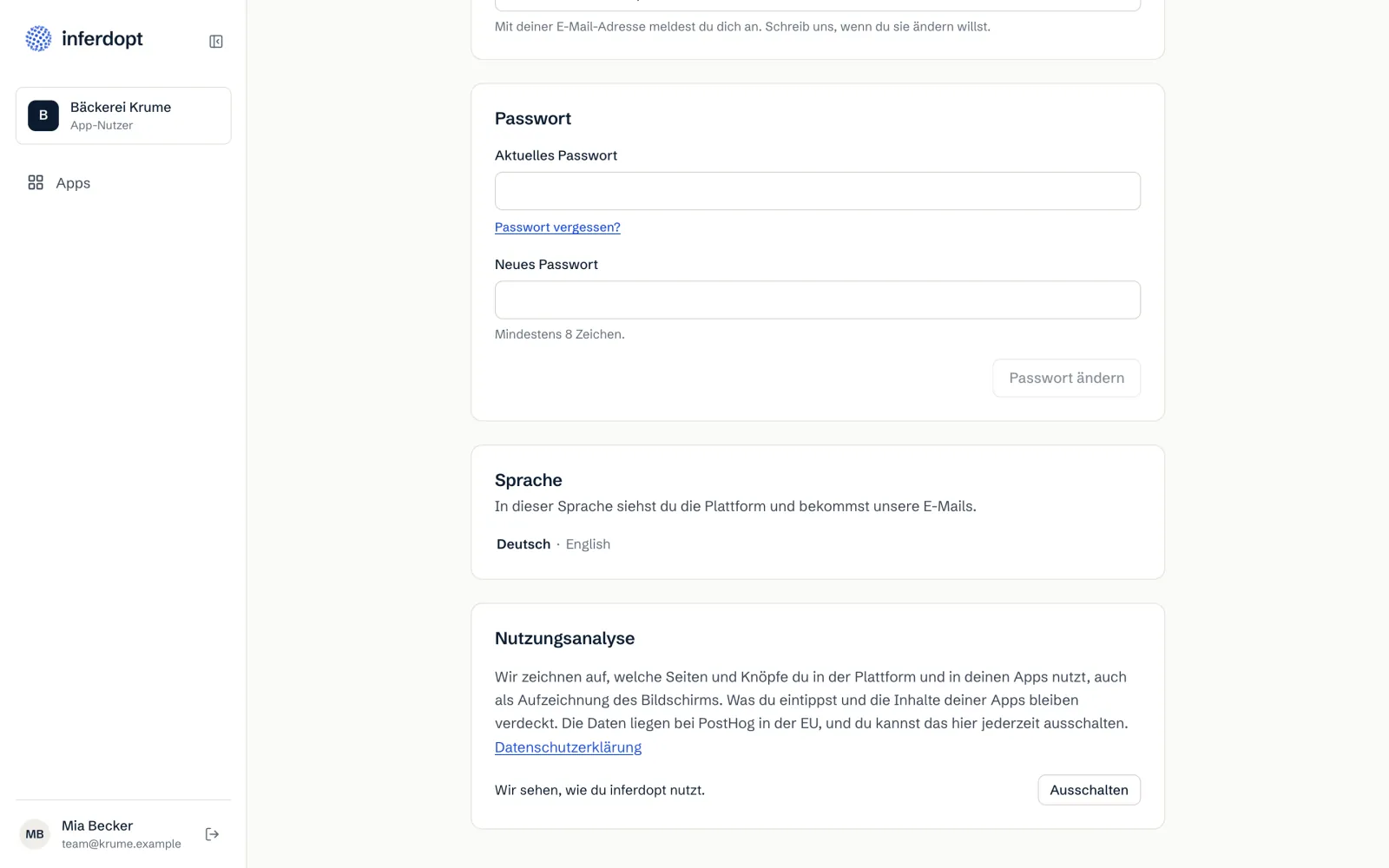
- Change their name and password in their account and switch usage analysis on or off.
How it works
- 01
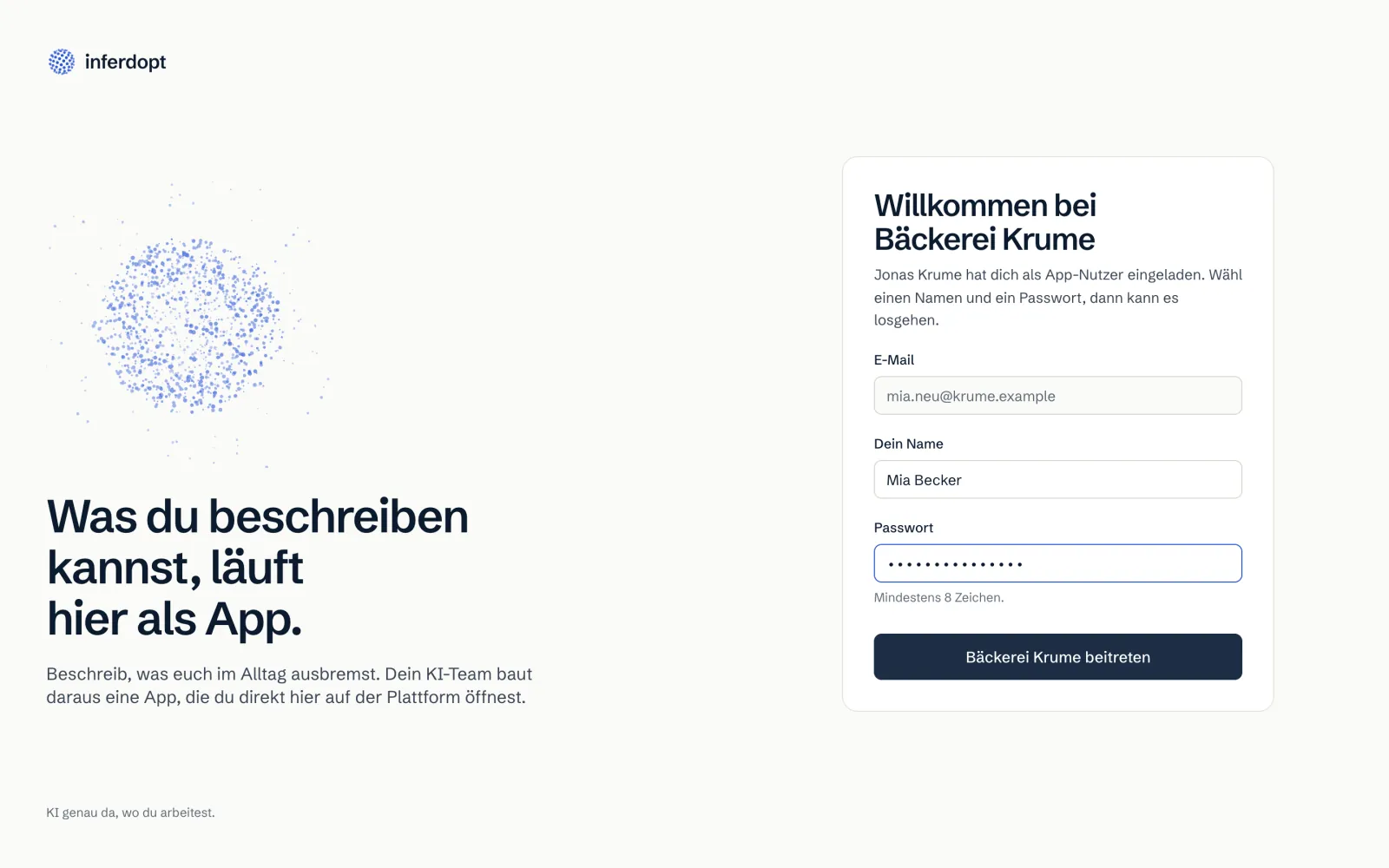
You get an invitation by email. Through its link you pick a name and a password and join.
- 02
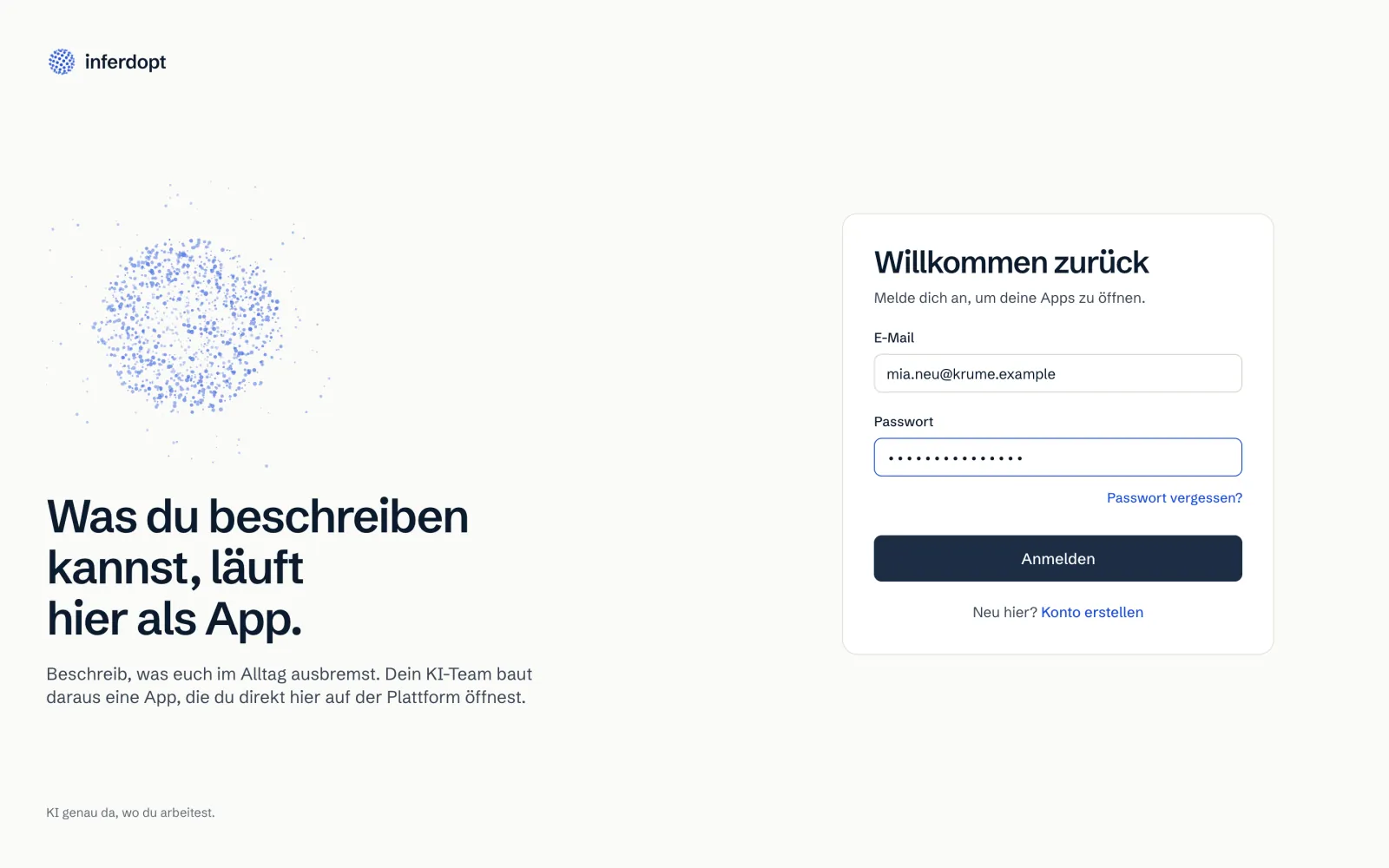
Later you sign in with your email address and password.
- 03
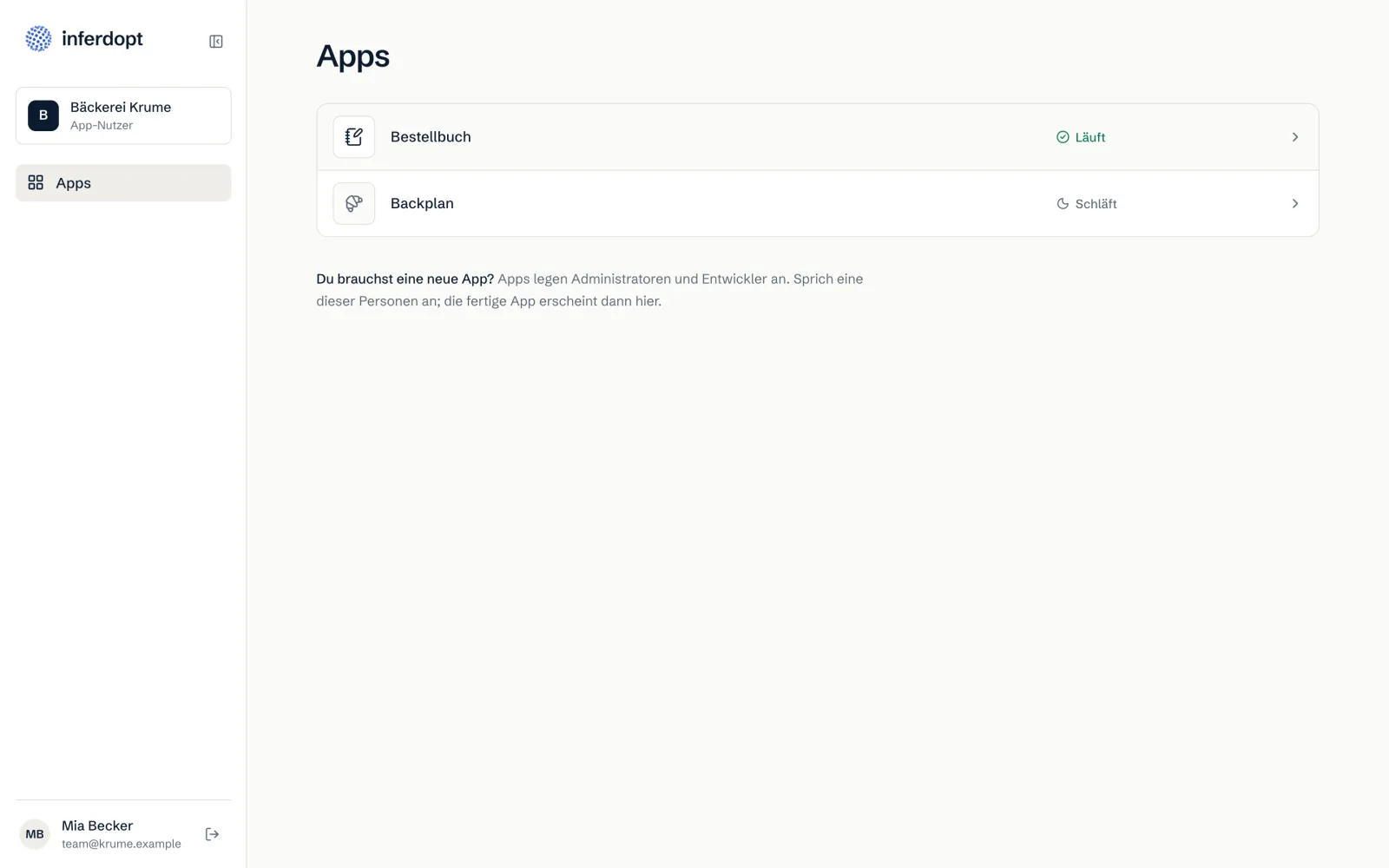
Under “Apps” you see only the apps released to you.
- 04
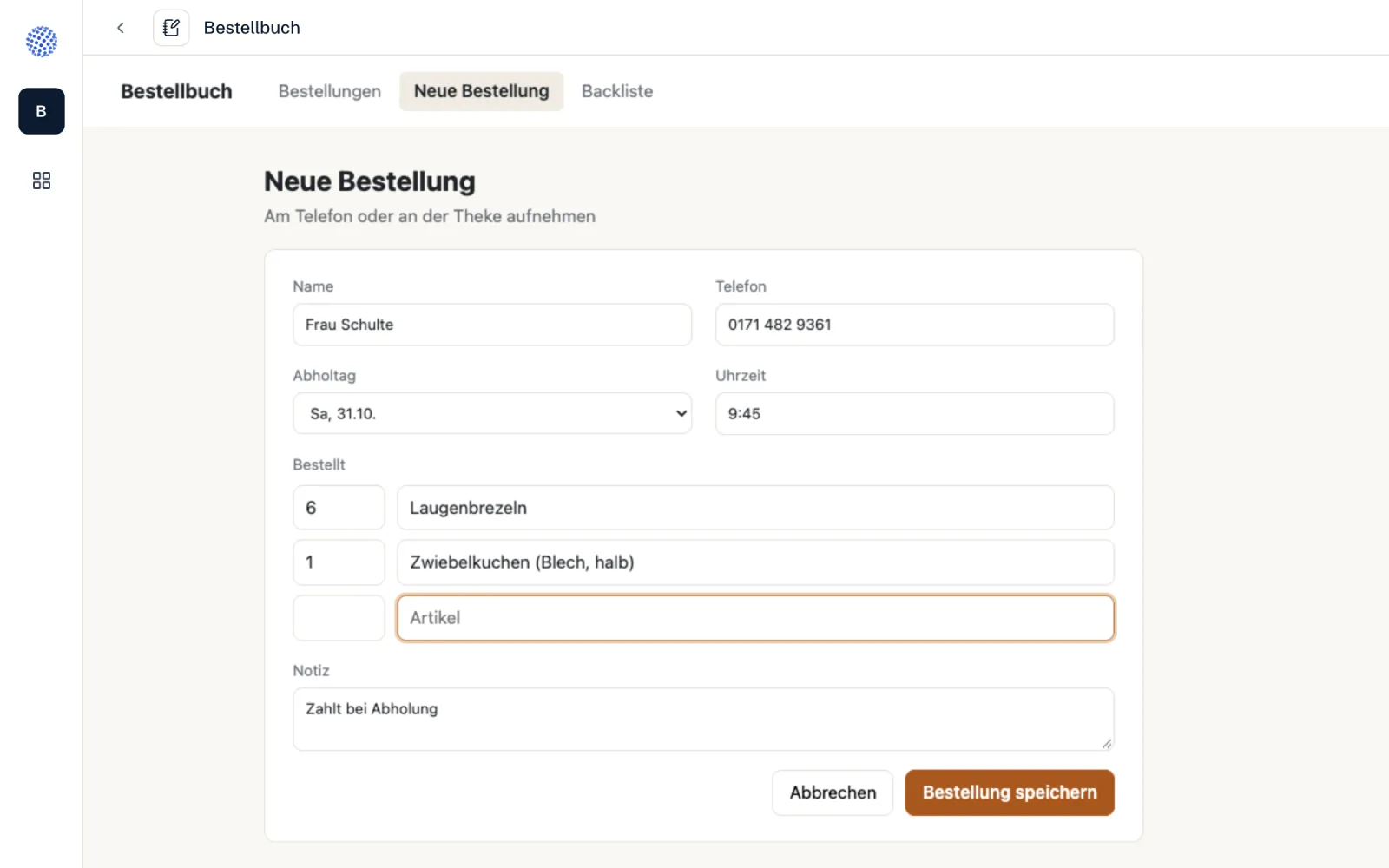
Click an app: it wakes up briefly, then you work right in it.
- 05
Under “Your account” you change your name and password and switch usage analysis on or off.
Good to know
- Building or changing apps, inviting people and settings are not part of your role. If you need a new app, ask an Administrator or Builder at your company.
- In every app you have a role your Administrator sets. It decides what you can do in that app.
- Forgot your password? Click “Forgot your password?” when signing in. We send you a code to set a new one.
- Apps nobody has used for a while go to sleep. They wake up when opened, usually in under a minute.
Roles, credits, connections, usage and privacy are under Reference.